
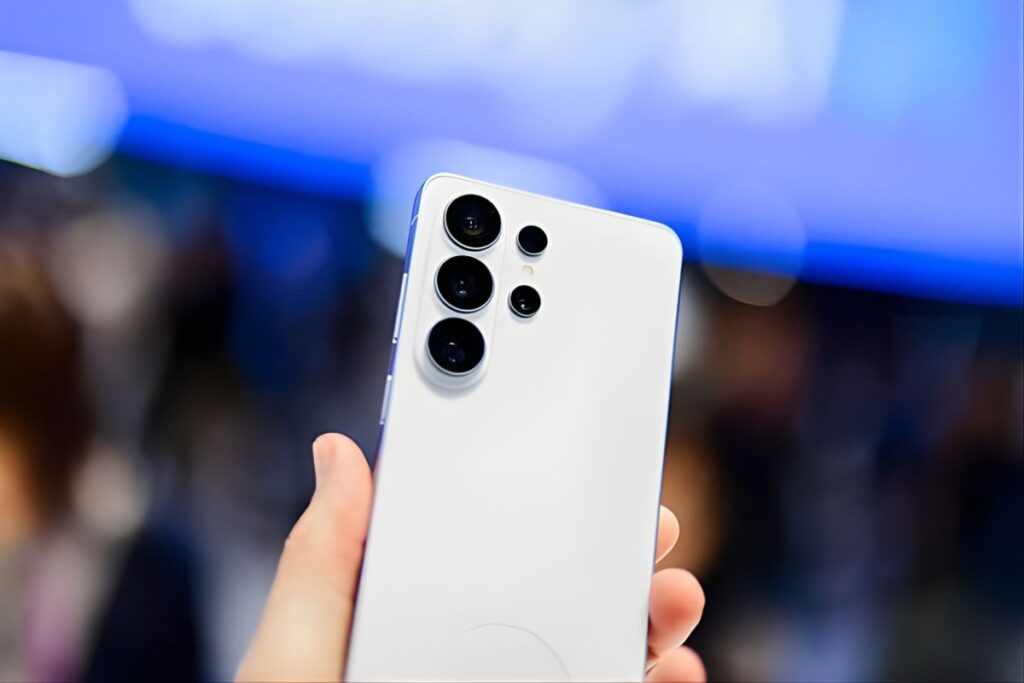
Samsung One UI 8.5 (built on Android 16 QPR2) is a major mid-cycle update launched in early 2026. It was introduced via a beta program starting Dec 8, 2025 (Galaxy S25 series, US), with gradual expansion to other devices (S24/S25 FE/Z Fold6/Flip6 in March; S23/Fold5/Flip5/A36 5G in April). The stable rollout began April 30, 2026 (Korea, S25 series) with international markets following in early May. Galaxy S26 phones ship with One UI 8.5 out of the box.
One UI 8.5 brings a refreshed UI/UX and AI-driven features. Samsung highlights a new “Ambient Design” theme (blurred status/navigation bars that hide on scroll), new lock-screen clocks, and more wallpaper customization. The Quick Settings panel is now fully customizable (toggles/widgets can be moved or removed).
AI features are deeper: Photo Assist now supports iterative generative edits without intermediate saves; the Now Nudge assistant provides context-aware suggestions (e.g. auto-suggesting photos in chat); Now Brief offers proactive reminders (even toggling the flashlight as a quick action); and Bixby is redesigned as a conversational device agent with broader web search capability.
Connectivity is enhanced by cross-device features: Storage Share shows files from your other Galaxy devices and PC in My Files, and Auracast Audio Broadcast lets you stream voice to nearby LE‑Audio devices (e.g. sharing a tour narration). Quick Share can even target Apple devices (AirDrop-style sharing) via Google’s technology (initially on S26 series) – Samsung notes this requires the latest Quick Share app and Google Play Services.
Security and privacy see new safeguards. One UI 8.5 adds a Privacy Display (hiding the screen from onlookers) and Privacy Alerts (AI warnings for apps overusing location/personal data). Theft Protection and Failed Authentication Lock automatically secure a lost/stolen device and lock it after repeated failed unlocks. The web browser gets real-time phishing warnings, and Samsung’s Knox Vault and “Matrix” trust-chain are extended to protect on‑device AI and cross-device security.
For developers, One UI 8.5’s Android 16 QPR2 base means access to Google’s latest APIs with mostly additive changes. Key platform updates include custom icon shapes and auto-theming (system-wide icon shape options and colorization), interactive Share Sheets (live content previews in the Chooser), and an improved garbage collector for better performance. Android 16 QPR2 is the first “minor” SDK release (code-named Baklava) that accelerates feature delivery with minimal compatibility impact. Developers should also review Samsung’s One UI design guidelines for any new UI styles, and test apps on the updated Galaxy AI features.
Samsung has not published an official device list, but One UI 8.5 is expected on essentially all phones/tablets that received One UI 8.0. According to SamMobile and Gizchina, eligible devices include Galaxy S series (S21 FE through S25 variants), Z Fold/Flip (Fold4–7, Flip4–7, plus Fold Flip Special Editions), wide ranges of A/M/F series (e.g. A15/A16 5G up to A73, M06–M56, F06–F56), and tablets (Tab S8/S9/S10/S11 series and Tab A9/A11). Table 1 lists key models, regions, and the expected rollout timeframe.
The rollout began in Spring 2026: Galaxy S25 series in Korea on April 30 (Global/US ~May 4), followed by Galaxy Z Fold7/Flip7 and S24 series in mid-May, then older flagships (S23/S22) and mainstream A/M/F models in May–June (full rollout expected by mid-2026). Carriers typically lag a few weeks behind unlocked devices and publish their own schedules. To update, users can apply via Settings → Software update (OTA) or use Samsung’s Smart Switch/PC software; manual firmware flashing (Odin) is for advanced users.
One UI 8.5 delivers a more personalized, AI-powered Galaxy experience with significant UI redesign and security enhancements. The stable release is rolling out now to supported models. Recommendations: Users should keep their Samsung Members app updated, back up data before updating, and ensure a strong internet/battery. Developers should test apps on the new Android 16 base, support new dark/theme/icon behaviors, and leverage Samsung’s updated APIs for Galaxy AI and UX changes.