
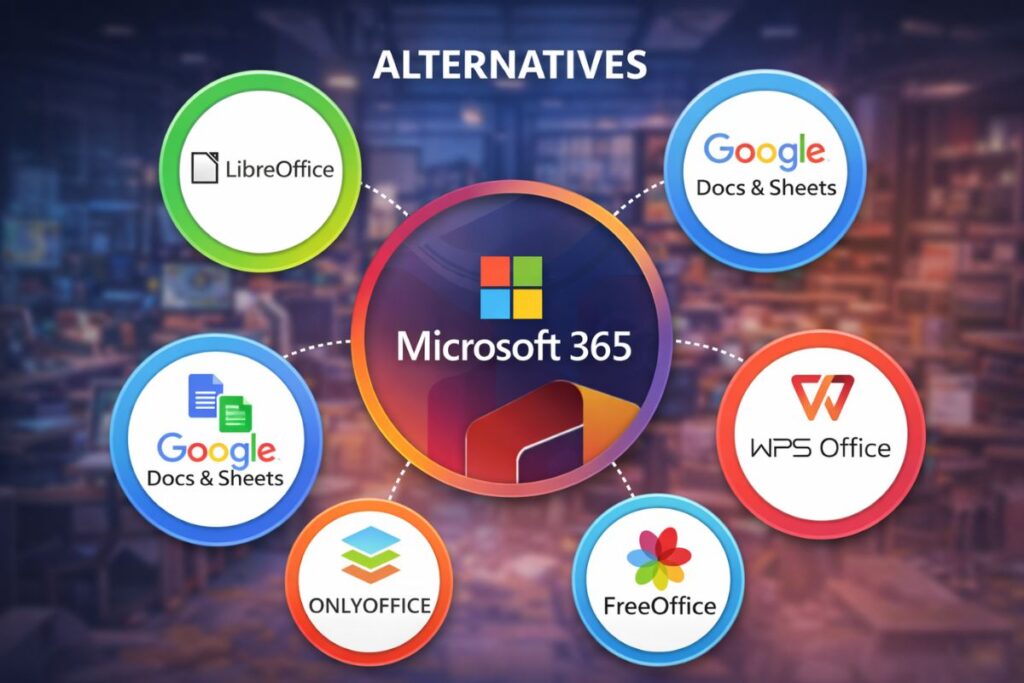
It happened on a dull Tuesday morning. My coffee was going cold and the inbox is already loud. Then the alert popped up. The notification indicated that Microsoft Office needed to be renewed. Same tools. Same price. And suddenly I caught myself thinking something I probably should’ve thought years ago.
Do I actually need this service anymore?
If you’ve ever opened Word just to type a two-page doc or fired up Excel to track a few expenses, you’ve had that thought too. You don’t say it out loud at first. You shrug. You click renew. Life moves on. But lately, more people are stopping. And asking a quiet but stubborn question.
Are there real Microsoft Office freeware alternatives that don’t feel like a downgrade?
Short answer. Yes. And some of them are surprisingly good.
This surprised me the first time I tried them. This isn’t to say that Microsoft Office isn’t good. It isn’t. It’s familiar. It’s solid. But familiarity can blur perspective. Once you step away, even briefly, you notice how much of Office you never touch. And how many free tools quietly do the same job without the monthly nudge for your credit card.
So let’s talk about the options. Let’s discuss the options, not merely as a feature list. As real tools real people use. With quirks. Strengths. And a few honest limits.
LibreOffice: The One That Feels Like Office Grew Up and Moved Out
One name that’s brought up every time someone asks about mostly the best Microsoft Office free alternatives is LibreOffice. And for good reason.
LibreOffice feels familiar within minutes. Writer looks like Word. Calc behaves like Excel. Impress handles slides without fuss. You open it and your hands know the way. That muscle memory matters.
It’s open source. It’s free. And it’s available for Windows, macOS and Linux systems. As of late 2025, it still receives regular updates, bug fixes, and compatibility improvements. TechRadar and others always report on how good its Microsoft file format handling (especially DOCX and XLSX) is.
Here’s the thing, though. It’s not flashy. And it doesn’t try to be. LibreOffice works best when you just want to get stuff done. Reports. Letters. Budgets. School work. That boring, necessary stuff that keeps life moving.
I once edited a 40-page document on LibreOffice Writer without a single hiccup. No lag. No crashes. It operates with quiet competence. That counts for a lot.
FreeOffice: Clean, Light, and Weirdly Polite
Then there’s FreeOffice. This one doesn’t get talked about as much, but it should.
FreeOffice comes from SoftMaker, a long-time productivity software company. It opens fast. Really fast. On older laptops, that speed feels like a gift. Word processor. Spreadsheet. Presentation tool. All there.
What stands out is how clean it feels. No clutter. No unnecessary buttons shouting at you. Just the tools you actually use. And yes, it opens and saves Microsoft formats properly, which is often where freeware falls down.
Now. Small caveat. Some advanced features sit behind a paid version. But for everyday work, FreeOffice covers a lot of ground. Writing resumes. Editing PDFs. Simple spreadsheets. It does the job without making a scene.
For many people, that’s exactly what they want.
Google Docs and Sheets: Not Installed, But Always There
This one almost feels too obvious. But it deserves space.
Google Docs, Sheets, and Slides live in your browser. You don’t need to install or update them. Just sign in and go. And for collaboration, they’re hard to beat. Multiple people editing at once still feels a little magical, even now.
They aren’t perfect replacements for heavy Excel work or complex formatting. But for shared notes, team docs, and quick writing jobs, they shine. And they’re free.
For anyone switching away from Office entirely, Google’s tools often become the safety net. Especially if you jump between devices.
OnlyOffice: When Layout Accuracy Really Matters
OnlyOffice quietly built a reputation among people who care about layout precision. Legal teams. Schools. Businesses that hate formatting surprises.
Its interface looks modern. Closer to Office than you might expect. And document compatibility is one of its strongest points. When you open a Word file, it usually looks exactly like it should.
OnlyOffice offers a desktop version that’s free for personal use. It also integrates well with cloud platforms if you need that later. But even on its own, it’s a strong option.
If formatting has ever betrayed you five minutes before sending a document, you’ll appreciate what OnlyOffice tries to solve.
WPS Office Free: Familiar, Flashy, and a Bit Opinionated
WPS Office Free feels the most like modern Office at first glance. Tabs. Icons. Layout. It’s all very recognizable.
The free version includes Writer, Spreadsheets, and Presentations. It works on Windows, macOS, Android, and iOS. And yes, that makes it one of the more flexible free alternatives to Office 365.
Now for honesty. The free tier includes ads. They’re not awful, but they exist. Some people won’t care. Others will bounce immediately. It’s a personal tolerance thing.
Still, for students and casual users, WPS Office often feels like an easy transition.
Microsoft Office Freeware Alternatives for Windows 10
If you’re specifically searching for Microsoft Office freeware alternatives for Windows 10, all of the above options work well. LibreOffice and FreeOffice run especially smoothly on older Windows machines. OnlyOffice handles modern hardware nicely. Google Docs bypasses system limits entirely.
The good news is you don’t have to commit blindly. Try one. Then another. Switching costs nothing but a little time.
Free Microsoft Office Alternatives for Android
On mobile, things shift a bit. Google Docs and Sheets dominate here for a reason. They’re stable. Sync well. And don’t nag you constantly. WPS Office also performs well on Android, offering more formatting control if you need it.
LibreOffice doesn’t officially target Android yet, so it’s better kept for desktop use.
Why This Choice Feels Bigger Than Software
Here’s the part nobody really says out loud. Moving away from Office isn’t about money alone. It’s about control. About choosing tools that fit your actual habits, not the ones software companies assume you have.
Most people I talk to use maybe 20 per cent of Office’s features. The rest just sits there. Untouched. Paid for. Every month.
Trying Microsoft Office freeware alternatives forces you to notice what you really need. And what you don’t.
That moment. When you realize you’re just fine without the subscription. That’s the shift.
You don’t announce it. You don’t post about it. You just quietly keep working. And maybe smile a little when the renewal email never comes.
So yeah. Maybe open one of these tonight. See how it feels. Worst case, you go back. Best case, you save money and gain a bit of breathing room.
Not bad for a boring Tuesday experiment, right?